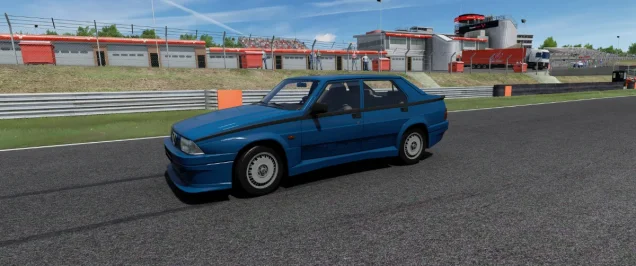
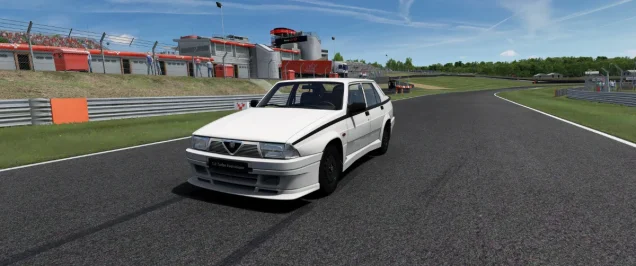
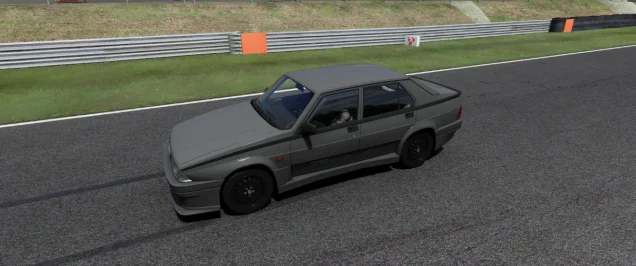
- 634

- Pizza
I'm afraid it's the only solution, even if it will be a disaster to get everything right 😶🌫️I always have same positioning problem. I just enter some correction values in model replacement block.
I'm afraid it's the only solution, even if it will be a disaster to get everything right 😶🌫️I always have same positioning problem. I just enter some correction values in model replacement block.


@Nuttyboy812 would you consider sharing your updated version of this mod?On an unrelated note, I reduced the poly count of the Scamdream Mclaren. The headlight LEDs are not perfectly round anymore because of it but aside from that I haven't noticed any model quality differences. I mean, I did take 1.6 million polys out of the model, what more do you want from me 😂 It also has a cockpit_LR now, (just a crappy one generated with CM) which it did not before, so that's also something. If I had more time and motivation I would learn physics editing and try to make it drive a bit nicer but that's not in the cards for me, would love if somebody else took a shot at it though. Might try to reduce it some more, since 700k is kind of heavy, but it's still lighter than the Lanzo and Callahan so, I consider it a good place to start. I would have liked to switch the tire mesh with something with a UV that can use one of the tire textures from the big three so it can have tire fx at least, but I have no clue where I would yoink those from.


Not far off, or not off at all. Check here (Manthey Team):Hi everyone,
I'm writing a new script for the URD Darche 992, specifically on the Vhe's Hockenheim (ibternational layout), the one that got a fastlane by parrilla.
Can any good soul tell me what is your usual pace and PB for this track using the Darche 992 2023? I got my AIs racing at 1.37.5 +/-0.5s but i wonder what's the actual pace i should aim for. My driving skills with GT3 are just off this results, but i suppose a competent and trained racer is going quite faster.
View attachment 1532109
Same request, different cars : Toyota AE86 on Magione, Kunos Porsche cup 2017 on Hockenheim, Any car on Goodwood Vintage (the one Racinjoe made skins for)... Basically any track where the fastlane is decent but you 'd need your AI to be 2-3 or even 4 seconds faster.
Basically i need to make sure i can beat a player's pace with AIs on AIwhisperer last version. Would help a lot to get some data, most "Hotlap" vids on youtube seem to be pretty easy to achieve.
Thanks in advance


I think I have a gremlin inside my computer; lately I've been experiencing a lot of strange behavior with some new mods.The car is available for download.
For users who missed my previous posts, car have placeholder physic data which need to be rework. Other than that it is fully working.
View attachment 1532074View attachment 1532075
I think it is loaded every time you start because you set it in CM to be loaded automatically?
View attachment 1531668
Well, out of scientific curiosity, I finally tried disabling the automatic config installation, deleting the corresponding file from the "loaded" folder, and reinstalling the @GT3Masters97 extension. And although the exterior looks gorgeous... the car still appears missing half its parts, as if it had been left parked in a dodgy neighborhood. That's why I tried the suggestion of @Pilot3331...... I think yes, I do have set the car configs to load automatically; I'll try to take a look and test as soon as I can...
...which has solved the problem of the missing parts and allows to enjoy the excellent new shading...🙂 although another of my recurring problems has reappeared, which is that the reflection of the brake lights of the cars in front of me appears about half a meter lower than where they should be, almost on the ground...☹️Hi. So mystery is solved by looking at those lines:
View attachment 1531750this tells csp to hide and replace some cockpit elements. but replacement file misc.kn5 is not provided. So if You want to replace things include kn5 file too. If You don't have it and not intending to replace anything set ''active = 0''


Can you post a screenshot? We can't surrender!Well, out of scientific curiosity, I finally tried disabling the automatic config installation, deleting the corresponding file from the "loaded" folder, and reinstalling the @GT3Masters97 extension. And although the exterior looks gorgeous... the car still appears missing half its parts, as if it had been left parked in a dodgy neighborhood. That's why I tried the suggestion of @Pilot3331...
...which has solved the problem of the missing parts and allows to enjoy the excellent new shading...🙂 although another of my recurring problems has reappeared, which is that the reflection of the brake lights of the cars in front of me appears about half a meter lower than where they should be, almost on the ground...☹️
I think in this case, I'm going to cowardly surrender...😒


I had brake disk glow problem, but slightly different. It was glowing to much and to big, like You can see from huge distance car in front had brake disc glow. This turned out to be csp bug and it fixed itself with more recent versions.Well, out of scientific curiosity, I finally tried disabling the automatic config installation, deleting the corresponding file from the "loaded" folder, and reinstalling the @GT3Masters97 extension. And although the exterior looks gorgeous... the car still appears missing half its parts, as if it had been left parked in a dodgy neighborhood. That's why I tried the suggestion of @Pilot3331...
...which has solved the problem of the missing parts and allows to enjoy the excellent new shading...🙂 although another of my recurring problems has reappeared, which is that the reflection of the brake lights of the cars in front of me appears about half a meter lower than where they should be, almost on the ground...☹️
I think in this case, I'm going to cowardly surrender...😒


I'll be uploading it as a whole mod once I finish improving it across the board (with whatever that entails, if and when I finish) but the optimized kn5 I have uploaded here. It's still almost 160mb because as I recall there's some textures in there that are too big and shouldn't be, but I haven't gotten to that part yet. The optimized mesh is based on my UV "fix" and as I recall all your skins were made with that fix in mind, so you won't have to bother flipping anything back around. If anybody has ideas for more improvements to this car I can look into, feel free to ask, or if you want to contribute something, let me know.@Nuttyboy812 would you consider sharing your updated version of this mod?


What are the other two?Thanks for that, man! 3 ACE cars within one week.


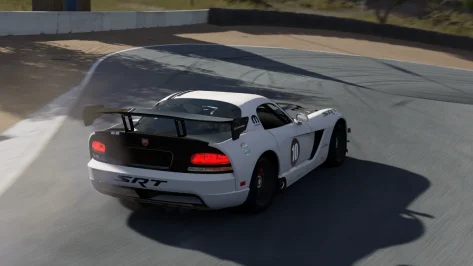
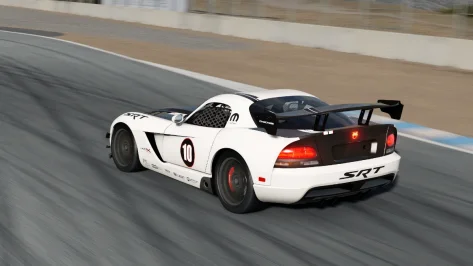
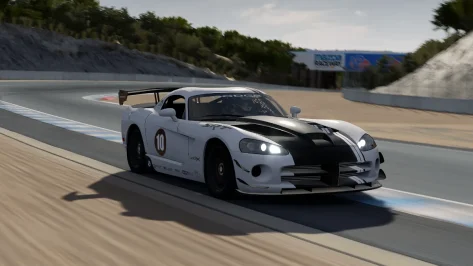
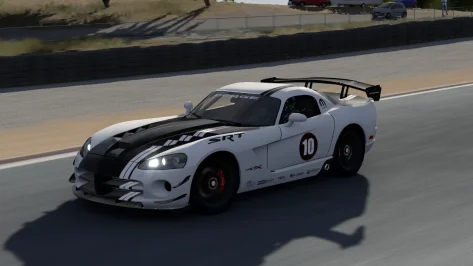
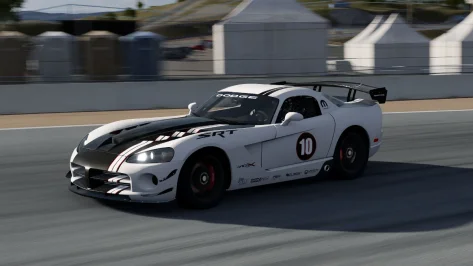
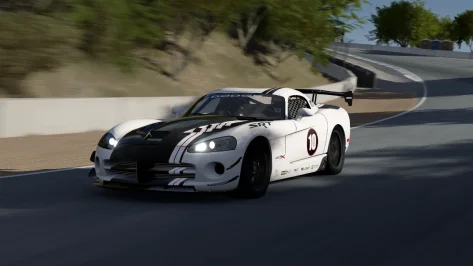
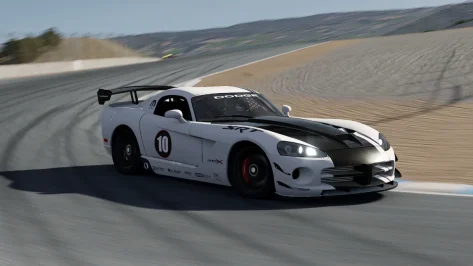
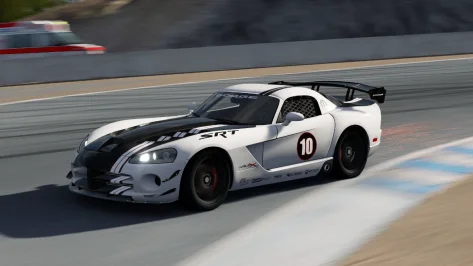
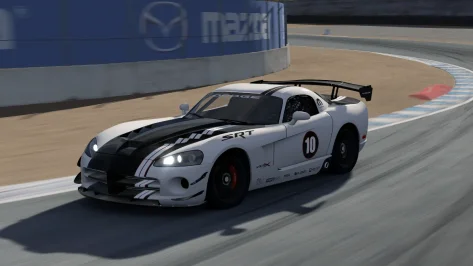
Yep! Sorry for the images quality...Can you post a screenshot? We can't surrender!...
I have too...I had brake disk glow problem, but slightly different. It was glowing to much and to big, like You can see from huge distance car in front had brake disc glow. This turned out to be csp bug and it fixed itself with more recent versions.


Im on p361 version, i don't see those fireballs anymore. But i thought they disappeared for me even on few versions before that. So now im unsure maybe i changed some csp setting and that's fixed it for me. Anyway try to update for latest version it definitely fixed preview problems and i don't notice any new bugs compare to p342.Yep! Sorry for the images quality...
View attachment 1532193
I have too...
View attachment 1532183
I'm still on version 0.3.0 p342... Do you mean that with the latest updates, the brake disc fireball no longer appears?
 As always, throw the extension folder in the 250 GTO main folder (hopefully no problems this time LOL). In this case you'll find the ext_config.ini file and a .kn5 file, I had to modify and separate some parts in order to implement shaders and lights correctly.
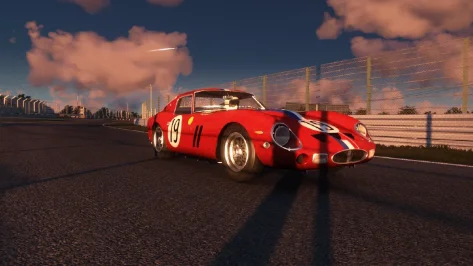
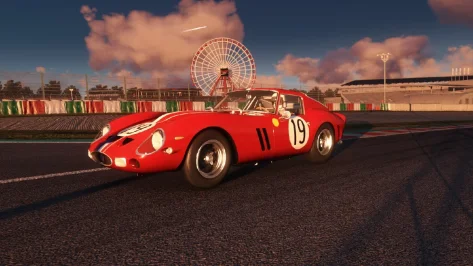
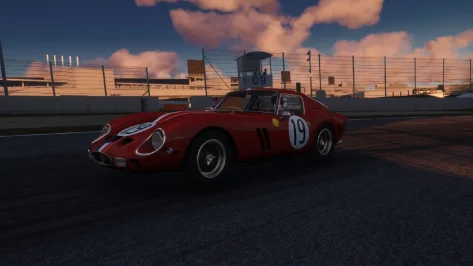
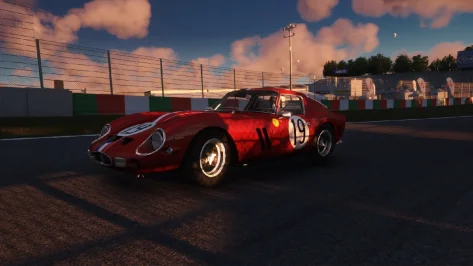
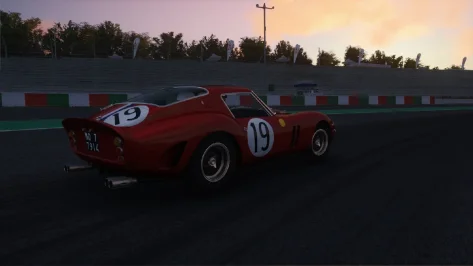
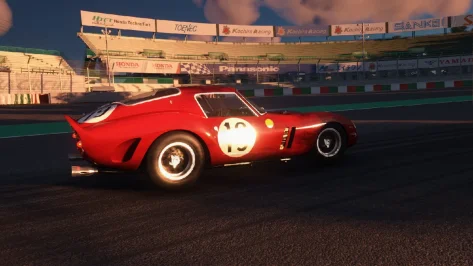
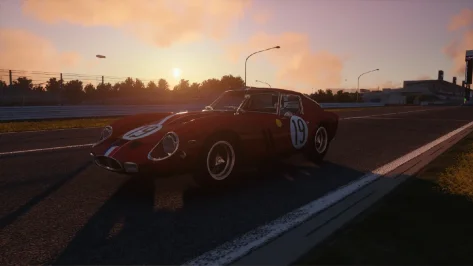
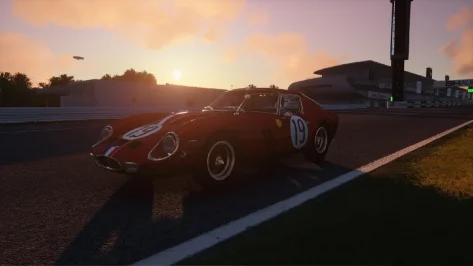
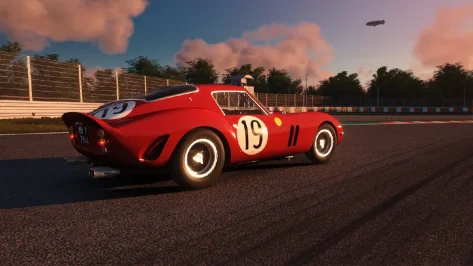
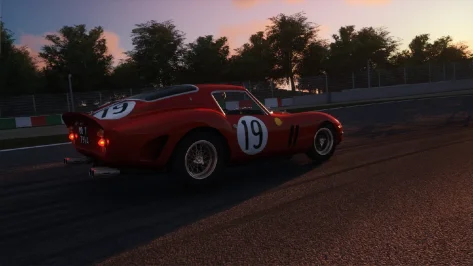
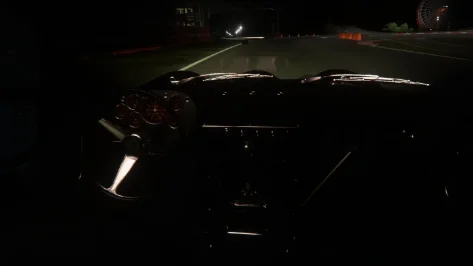
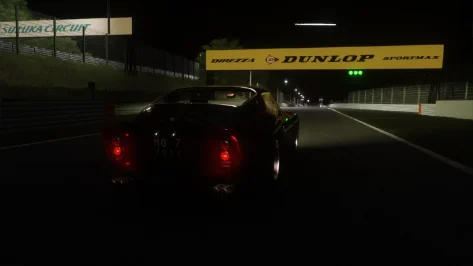
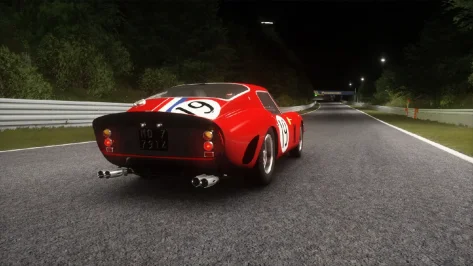
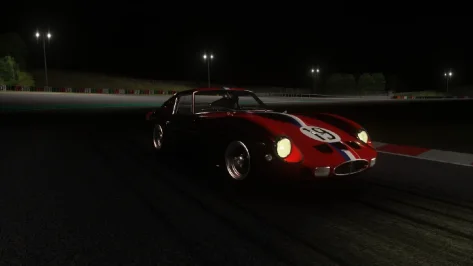
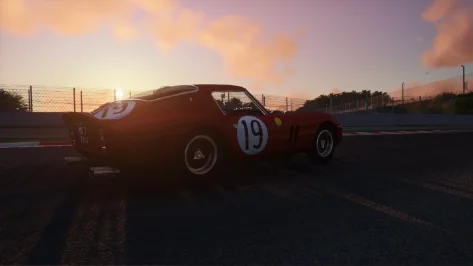



The Alfa GTAm and the Alpine 110S made by @blackbolt2017What are the other two?
Thanks for this. Great car, looking forward to the new physics. I did a couple of tweaks if you want to test them. Might mainly be good for VR users or if you drive pancake in first person with the driver visible.The car is available for download.
For users who missed my previous posts, car have placeholder physic data which need to be rework. Other than that it is fully working.
View attachment 1532074View attachment 1532075
;stop sun ingress around cockpit mesh seams, into footwells etc
[SHADER_REPLACEMENT_...]
ACTIVE = 1
MATERIALS = EXT_PLASTIC_BLACK, EXT_BODY;external bodywork, trim, pillars, dashboard etc
CULL_MODE = DOUBLESIDED
CAST_SHADOWS = 1
DOUBLE_FACE_SHADOW_BIASED = 1Have you tried the alternative lcs extension he brought with the car? I think gamma is the default one.Thanks for this. Great car, looking forward to the new physics. I did a couple of tweaks if you want to test them. Might mainly be good for VR users or if you drive pancake in first person with the driver visible.
1. Attached is a new shift animation (no more exaggerated loop, and closer to the gearknob) and driver rescale/reposition to get his hands on the steering wheel rim when turning. Remove the .txt extensions and place in the 'animations' folder.
Disclaimer: Kunos driver postures don't like high t-bar steering wheel designs like the one in this Alfa, so the thumbs clip through this a little. But it's a necessary compromise to get the hands on the rim when turning, which is much more important (in VR, anyway).
Important: change LOCK to =320 in data/driver3d.ini to also synch the hands better with the rim rotation.
2. There's a lot of daylight leakage around mesh seams on the dashboard, door cards and A-pillars, so add this to the config to fix that:
Code:;stop sun ingress around cockpit mesh seams, into footwells etc [SHADER_REPLACEMENT_...] ACTIVE = 1 MATERIALS = EXT_PLASTIC_BLACK, EXT_BODY;external bodywork, trim, pillars, dashboard etc CULL_MODE = DOUBLESIDED CAST_SHADOWS = 1 DOUBLE_FACE_SHADOW_BIASED = 1
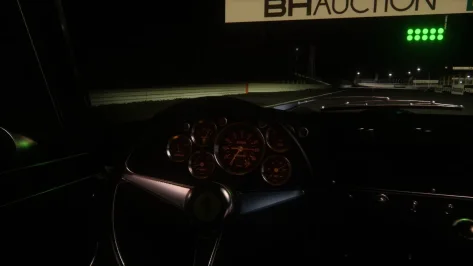
One more observation: for me (latest CSP, latest Pure LCS, Pure PPF) the dashboard instrument emissive glow seems overly bright. is anyone else getting this?
This is in daylight - at night of course, it's even brighter:
View attachment 1532216
Anyway, hope that helps. Feel free to ignore.
... now im unsure maybe i changed some csp setting and that's fixed it for me. Anyway try to update for latest version it definitely fixed preview problems and i don't notice any new bugs compare to p342.
Thanks for your suggestions, guys. I've always suspected that the cause of those glows is some CSP setting; although I've tweaked them a little on ocassion, I think I let pretty much as they are by default... I'll do some more testing and see what happens.... try switching to another csp version.. It's plausible that the intensity of some effects is out of whack for everyone's configurations, everyone has their own settings. I can't think of any other solutions right now. Let me know if this solves the problem mate...
Yep, emissives looked the same.Have you tried the alternative lcs extension he brought with the car? I think gamma is the default one.
Can't download it without handing over personal info.nsx is out yippie yippie happy happy
AC HONDA NSX CONCEPT-GT 2016 - Svyatoslav Gridin
Convert from gt sport/7 Physics/modelling/csp - vityaz Some help with acquiring model - F302 Sound - Neko Taisenboosty.to


So you need to either ask somebody to do a UV map or move on to the next car. I have never seen a car without a wire frame but that does not mean they do no exist.
Have you pressed "view mapping?". forget about "calculate AO" what about view mapping? what does that show you?
I might be wrong but since you work with paint.net open the file and then at adjustment menu find invert Alpha and click it. Also you can choose "save as" the png file and save it as dds file
I managed to make the skin: it's not perfect, but it's fine for my personal use.😁@Gabriele If you have a plain black image, click on the arrow on either side of the screen. this should bring up the basic AO to begin making a template for a skin. If there is no save button on this screen, what I've done is take a snippit of the image and copy it to your Paint.net, crop it and save it as whatever you want, usually the top layer of a template as 'multiply' properties and everything else on layers below with basic paint as the bottom layer.

Delete the ext_config.ini and rename the ext_config_lcs.ini to ext_config.ini, thats it all fine for me.Yep, emissives looked the same.
Can't download it without handing over personal info.
Got a direct download link please?
View attachment 1532235


Hi friends,
Here are the two March 881 for MP 4/4 syncmaster version
The available grid F1 1988 for this MP 4/4 version:
already available:
Lotus ( Piquet + Nakajima)
Tyrrell ( Palmer + Bailey)
Williams (Mansell + Patrese)
Mclaren ( Prost + Senna)
Ligier (Arnoux + Johansson)
Ferrari (Alboreto + Berger)
and added :
Benetton (Nannini + Boutsen)
Leyton House / March (Gugelmin + Capelli)
With the two Benetton skins, that was quite an adventure for a n00b in skins like me, can't say that I'll do it again (****ing Gugelmin helmet lol) but learned a bunch of things with Blender + GIMP for AC modding, will get back one day to Rouen-les-Essarts track with this new knowledge :-)
View attachment 1532177
View attachment 1532178
Yep, that was the first thing I tried, but emissives are still as bright as in the image I posted. Weird.Delete the ext_config.ini and rename the ext_config_lcs.ini to ext_config.ini, thats it all fine for me.
... and odometer display digits slightly brighter than convenient, in my case, but I´m on Pure Gamma.... I've noticed some cars (not all) now have very bright rev LEDs, brake lights etc, when they were normal before recent CSP/Pure updates. Anyone else?
Updated to the latest CSP version and nothing changed; in certain mods, misplaced brake light fireballs and brake light reflections still appear... 🙄... Anyway try to update for latest version it definitely fixed preview problems and i don't notice any new bugs compare to p342.
Hi,Thanks for your suggestions, guys. I've always suspected that the cause of those glows is some CSP setting; although I've tweaked them a little on ocassion, I think I let pretty much as they are by default... I'll do some more testing and see what happens.
Thanks again! 😉

I had the same, I talked to Peter and he told me to turn down the Glare on the Settings-Assetto Corsa-Video screen. I found in VR that setting it to Medium reduces the glow but I still had to go into the Pure app Lights tab and scroll down to the Emmisive setting and lower it from 1 to 0.05.Yep, that was the first thing I tried, but emissives are still as bright as in the image I posted. Weird.
I've noticed some cars (not all) now have very bright rev LEDs, brake lights etc, when they were normal before recent CSP/Pure updates. Anyone else?