Assetto Corsa PC Mods General DiscussionPC 

  • Thread starter Thread starter daan
  • 157,291 comments
  • 51,165,266 views
Its what it is 🤷‍♂️ , this is just the description why and how to circumvent, complaining wont do anything at all.

" having to hold the shift key "
this only aplies when you made new ai-borders, you never have to do that when not fiddling with AI borders yourself
(dont enable this: )
View attachment 1107331
Ahh yes the bane of my existence.

Even all Kunos cars are not on an even playing field in terms of ai. For example not all their GT3's will be able to make that hairpin at rt_macau (mostly because of differing degrees of steering lock). Most of the pay mods I've encountered have very good ai, like RSS and URD (Some RSS mods won't make that Macau hairpin either for same reason though.) As much as l like driving their cars, I can't say the same for VRC unfortunately, although some have gotten better in last few updates.
 
Last edited:
Are you working on an update for Majura Valley? I remeber that you posted some pics a long time ago. The white trees are terrible btw
No, and never have been. The track was completely overhauled by the original creator ten-odd months ago and looks amazing, but in a Crime Against Modding™ it was never released.


I've tried contacting Ian (The IC) directly via various forums, through mutual friends, via telepathy, using pickled monkey giblets in a midnight voodoo ritual... nada.
He seemingly has no interest whatsoever in releasing this track or Sydney Motorsport Park. I guess he's either too busy or has moved on from AC.
 
This is in my "extracted and needing to convert" folder... S.M.P
1642789290009.png

should I?
 
Last edited:
Charlotte Motor Speedway v1.0


  • Includes oval and road layouts
  • CSP highly recommended (>= 1.76 required for working scoreboard - thanks @gunnar333!)
*please share link, do not rehost. Thank you!

Finally some well made Oval tracks! The night lights are absolutely stunning.
 
as a note... I have 83,000 empty directories in:
\\Gamebox\Users\user\Documents\Assetto Corsa\setups

in the bin!

link to tool:
Unfotunately "Program not Responding" when i run this utility. :boggled:

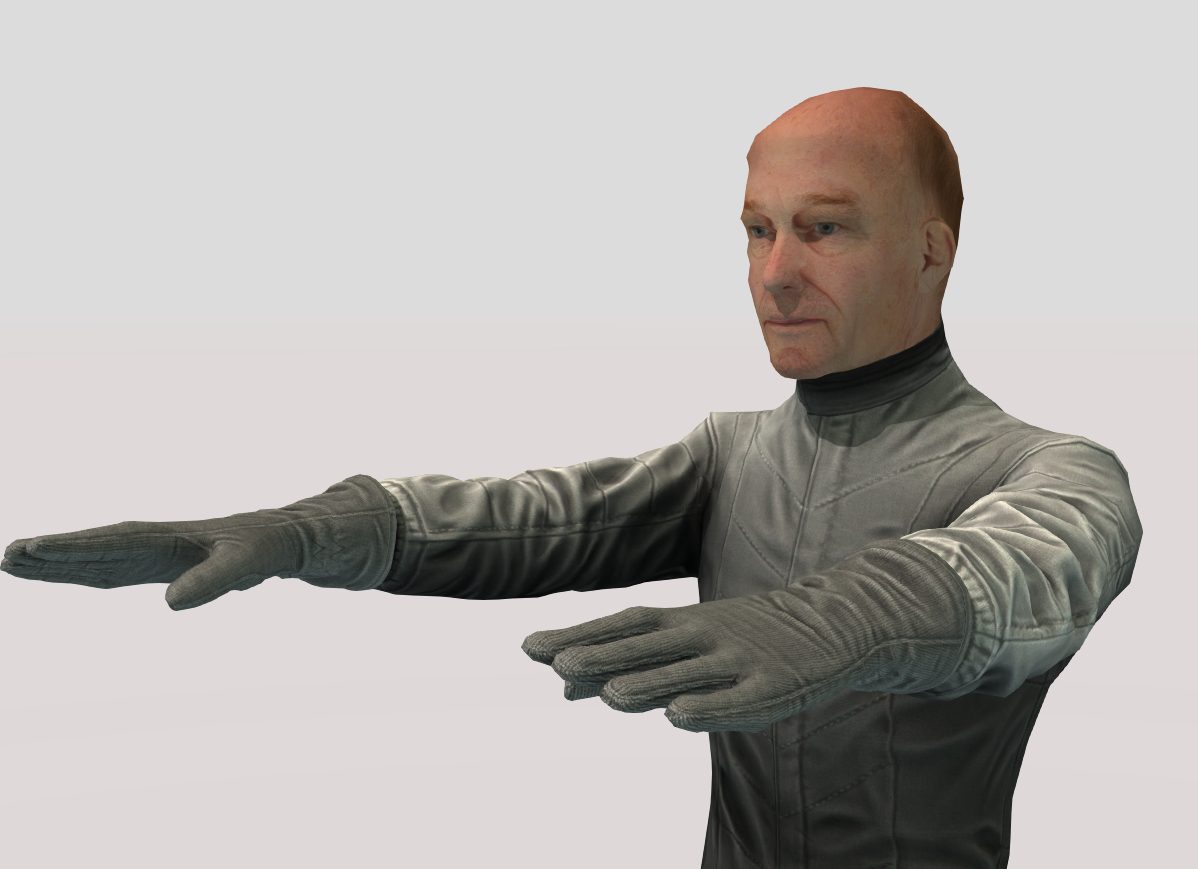
to laugh a little I just created an old pilot :D
https://sharemods.com/i1sqzv91p96j/driver_old.zip.html

old_pilote.jpg
Cool! Thanks! It would be so funny to have the Top Gear - Grand Tour presenters as driver models! (just dropping ideas)
 
Speaking of AI, I would highly recommend ai lines from Max Kagan. It totally transformed the AI races for me. These are really something else. Just try them, you won't be sorry. And of course the ai lines by F_B are excellent to, to be used with older tracks.
I agree that some custom lines are good, or better, i've done some myself.
But kunos didn't create good AI.
To say that custom AI in AC makes kunos's AI good is like saying kunos did a great job on the look of rain on the windscreen.

The basic problems of how the AI works is always there.
 
Yes. Thanks Norm.
I will have a look into it and hope i find a way to fix that.
But until now uncheck AI level in driver's name.


I will have a look into it. I might forgot that mesh. Thanks!
Did that, now instead of ##%, it's some other number. I'll dig in a bit and let you know...
 
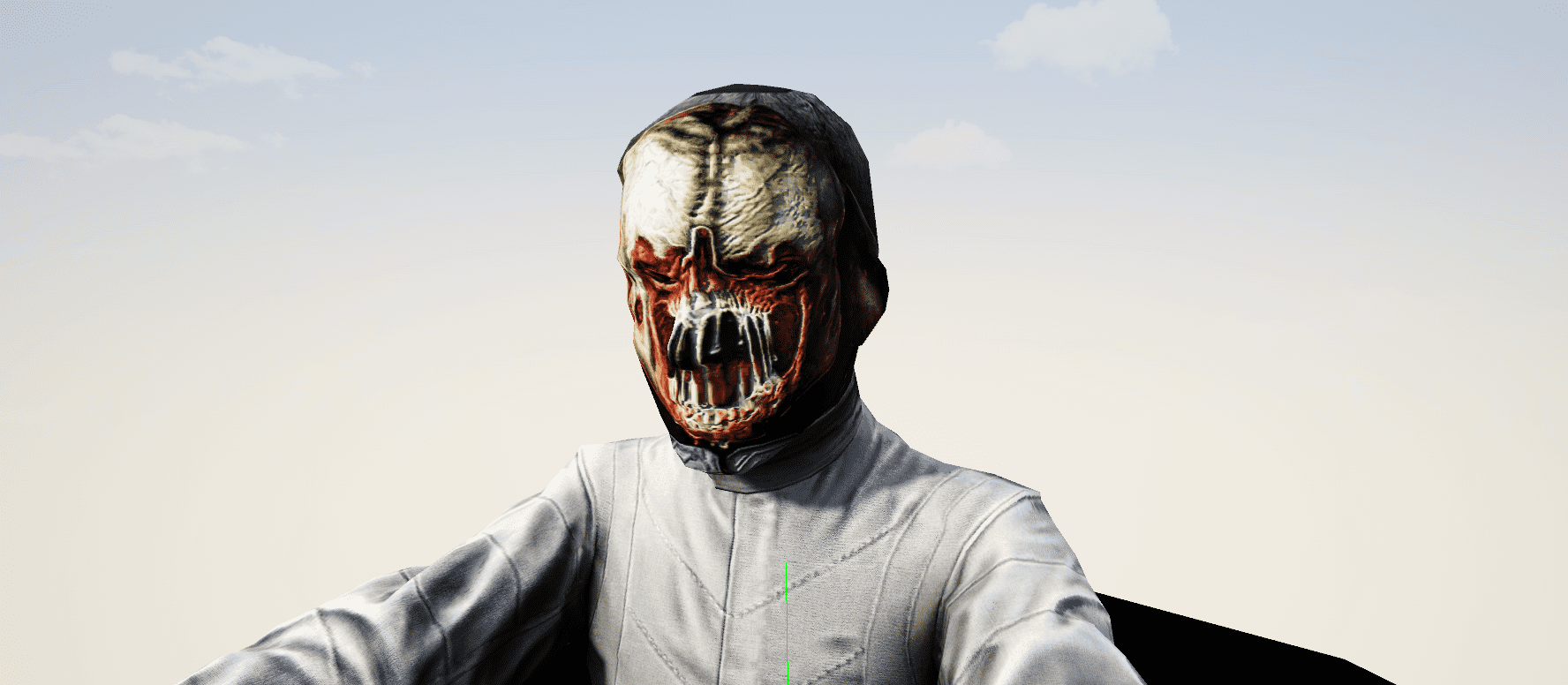
You could use this to put some real-life driver faces on that, think about McQueen, Lauda, Senna, Schumacher etc.
1642795752718.jpeg

to put the faces, it is necessary to find some like that

1642796406925.png

but can make some nice ones like this
 
Last edited:
I don't know if I understood you correctly.
suspensions.ini - TRACK=
this is the track width, you can move and push the wheels along the track width.
i meant moving the the two green rings so they are centered over the model. the width parameter dictates the distance between the two rings but not the position of them. I'm trying to shift them so they are more centered like in the pic below (red lines)

__custom_showroom_1642805396.png
 
i meant moving the the two green rings so they are centered over the model. the width parameter dictates the distance between the two rings but not the position of them. I'm trying to shift them so they are more centered like in the pic below (red lines)

View attachment 1107449
As @alexlockout stated, it is the TRACK= in suspensions.ini that moves the tyres (green circles) further inwards or outwards.
 
i meant moving the the two green rings so they are centered over the model. the width parameter dictates the distance between the two rings but not the position of them. I'm trying to shift them so they are more centered like in the pic below (red lines)

View attachment 1107449
If I'm not mistaken that's determined by the position of the wheel parent object within the model e.g. the point WHEEL_LF. This parent node can have the actual wheel/tyre model offset from itself which then causes this issue where the 'data tyre' doesn't match the visual one. Reading that back I'm not sure if what I've written is clear, if it's not then let me know and I'll attach some pictures tomorrow as I'll be re-working some stuff anyway.

EDIT: replying to @norms above - This is true but changing the track width will also still move the wheel model itself so the green 'data tyre' will still be offset from the visual one.
 
Last edited:
If I'm not mistaken that's determined by the position of the wheel parent object within the model e.g. the point WHEEL_LF. This parent node can have the actual wheel/tyre model offset from itself which then causes this issue where the 'data tyre' doesn't match the visual one. Reading that back I'm not sure if what I've written is clear, if it's not then let me know and I'll attach some pictures tomorrow as I'll be re-working some stuff anyway.

EDIT: replying to @norms above - This is true but changing the track width will also still move the wheel model itself so the green 'data tyre' will still be offset from the visual one.
Yes ofcourse, well spotted :)
 
Sharing a mod? Host it on GTPlanet Downloads. Free, public hosting for files up to 10GB in size.
Back