
That you’ll have to do manually, checking values off of a dyno sheet and (if necessary) converting from ft-lbs to Nm (1 ft-lb = 1.356 Nm)Thanks 👍
How do I make sure that the "power.lut" values are wheel-torque in Nm?
When you clicked that “align using data” you essentially rearranged the base setting of the model, which would then require the data.acd to be updated to accommodate. CM should’ve saved an old copy of the original .kn5, make sure there’s a backup (should be huayra.kn5.backup or something like that) in the car folder and just delete the “new” kn5 that you created and rename the original to remove the “.backup” portion.hey all, need some help.
when i click align using data the model seems fine, i then select update model. all is ok until I go for a drive.
the front wheels move about 8 inches inside and the back sink through the floor. ive never encountered this before.
it effects the standard Kunos Huyra BC with its original data.acd or any edited one. anyone have an idea?


this is the part i dont understand, ive done this to many other cars where the model is fine in cm and when you then go for a drive.That you’ll have to do manually, checking values off of a dyno sheet and (if necessary) converting from ft-lbs to Nm (1 ft-lb = 1.356 Nm)
When you clicked that “align using data” you essentially rearranged the base setting of the model, which would then require the data.acd to be updated to accommodate. CM should’ve saved an old copy of the original .kn5, make sure there’s a backup (should be huayra.kn5.backup or something like that) in the car folder and just delete the “new” kn5 that you created and rename the original to remove the “.backup” portion.


If anyone wants to share their CV1 settings I'm happy to try them out with my Rift S.Just as a FYI, I have the same issue as @Masscot so it is very unlikely to be specific to his VR settings. except if someone with a different VR hardware can say that they do not have the issue for a specific car.
I am using a CV1.
Thank you for trying to help.
Why would you do that? Saving a couple hundred megabytes on your disk? Some mods depend on Kunos cars so you might want check that first before deleting...Random question, is it safe to remove all the Kunos cars you don't want provided that there is no intention of playing the Kunos career mode and/or online?


Will I look for a dyno sheet, something like that? https://www.racedepartment.com/threads/ac-dyno-charts.131075/That you’ll have to do manually, checking values off of a dyno sheet and (if necessary) converting from ft-lbs to Nm (1 ft-lb = 1.356 Nm)
When you clicked that “align using data” you essentially rearranged the base setting of the model, which would then require the data.acd to be updated to accommodate. CM should’ve saved an old copy of the original .kn5, make sure there’s a backup (should be huayra.kn5.backup or something like that) in the car folder and just delete the “new” kn5 that you created and rename the original to remove the “.backup” portion.

 assettocorsamods.net


You can use the hide function. I doubt deleting will save much space.Random question, is it safe to remove all the Kunos cars you don't want provided that there is no intention of playing the Kunos career mode and/or online?


Saving disk space is only part of it, but it's also about de cluttering the game. Would you personally keep content you don't use...?If anyone wants to share their CV1 settings I'm happy to try them out with my Rift S.
Why would you do that? Saving a couple hundred megabytes on your disk? Some mods depend on Kunos cars so you might want check that first before deleting...

Sample spread at 10% is the culprit to get rid of the ghosting when TAA enabled? That would be a relief.Yes, TAA is enabled. Sample Spread 10%.


Wow. I'm looking to move mountains, and you show me a menu item. Problem solved. Thanks big! Time to do a slow scan through all menus in CM. Who knows what will show up...check here first and make sure you have this selected

No I don't think so. But generally AC produces less ghosting in my configuration. Maybe you will try it?Sample spread at 10% is the culprit to get rid of the ghosting when TAA enabled? That would be a relief.
In case of AC I do keep content I don't use. I'm using filters and tags/ratings to find the mods I use. But as @Kran pointed out you could also disable mods you don't use.Saving disk space is only part of it, but it's also about de cluttering the game. Would you personally keep content you don't use...?
For mod cars it's nothing to worry about. I don't use mod cars, I only use mod tracks.
Had n24 selected? Done that before. If you ran RSS gt3 cars, they do some weird stuff with that selected as wellWow. I'm looking to move mountains, and you show me a menu item. Problem solved. Thanks big! Time to do a slow scan through all menus in CM. Who knows what will show up...


Ohhh, you're right.I voted but I see this for the results:
View attachment 1107988


 www.racedepartment.com

Sorry I don't have and not intent to sign up to twitch. I vote for the Sierra, though the driver seat seems rather too large?Who knows me, knows that I am not a modder at all.
However, after a couple of years and being part of GTP community, made me learn a few tricks.
I'm working on those cars with 28532 bhp. Downgrading the bhp to the factory (or more less),
making them driveable and enjoyable. At least for me.
What I would like to say is, right now I am doing some changes to three cars.
I would like to know which one, the community, want to try first with a simple poll.
Just, please remember that I just tweaked the engine and the specs. I am not a modder.
Here are the first 3.
View attachment 1107983
POLL
I did exactly that and also for the sake of decluttering my AC . So far, I found no problem. I don't know if it will affecting any online races as I only play in single playerRandom question, is it safe to remove all the Kunos cars you don't want provided that there is no intention of playing the Kunos career mode and/or online?

I just had that when i forgot to export pitboxes so it has to do with not being able to find a start location I think.Uh oh.
How do you fix the 'AC ran into a critical error: CANNOT HAVE 0 CARS IN RACE.INI' error ? Happens with the Rouen 2017 track (long version) off RD. The short route works, however. Weird innit.


How do you re-enable a mod in CM? For kicks I disabled one to see what happens and the car disappears from the list. So now I can't see it to re-enable it. Thanks...In case of AC I do keep content I don't use. I'm using filters and tags/ratings to find the mods I use. But as @Kran pointed out you could also disable mods you don't use.


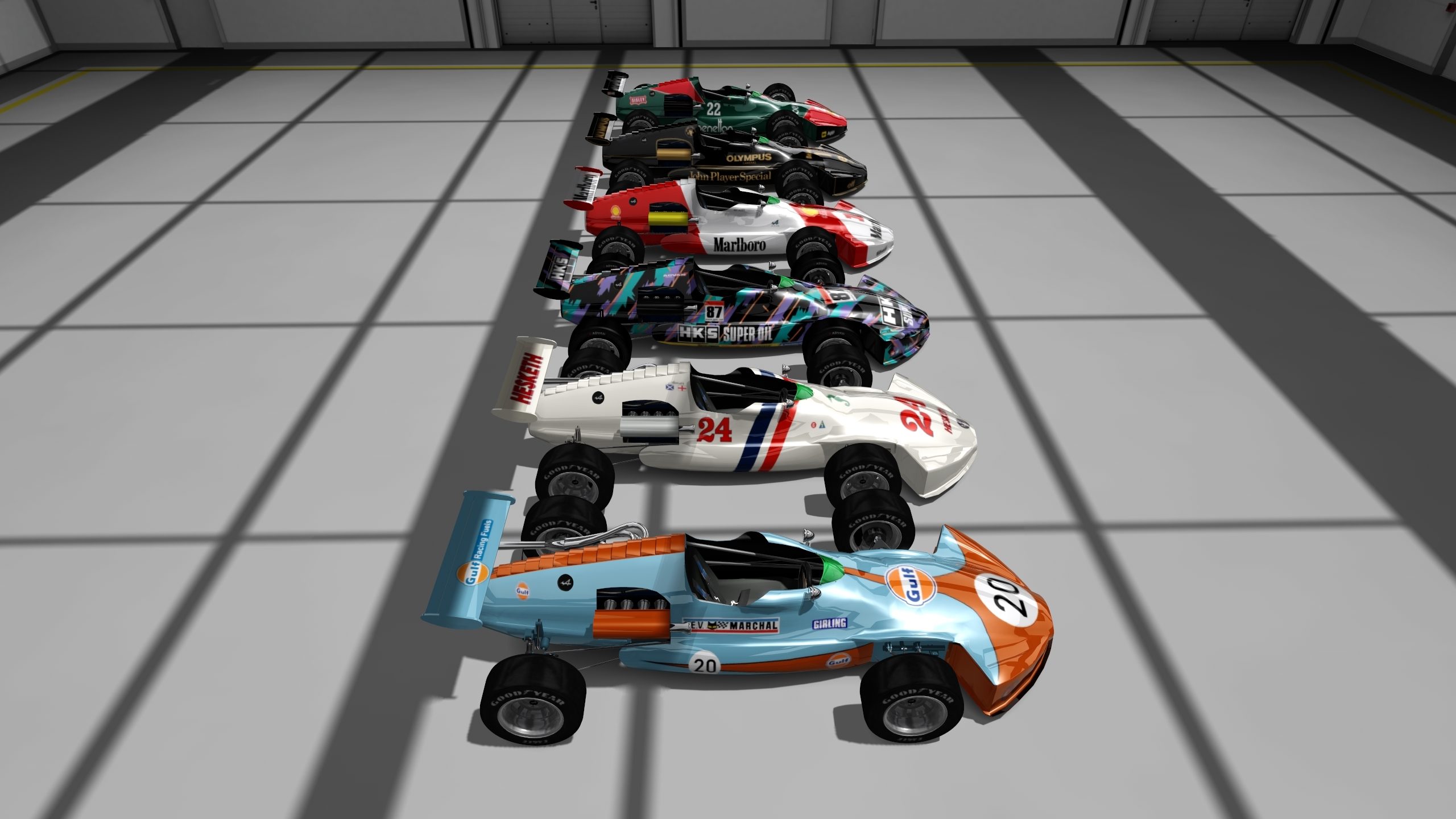
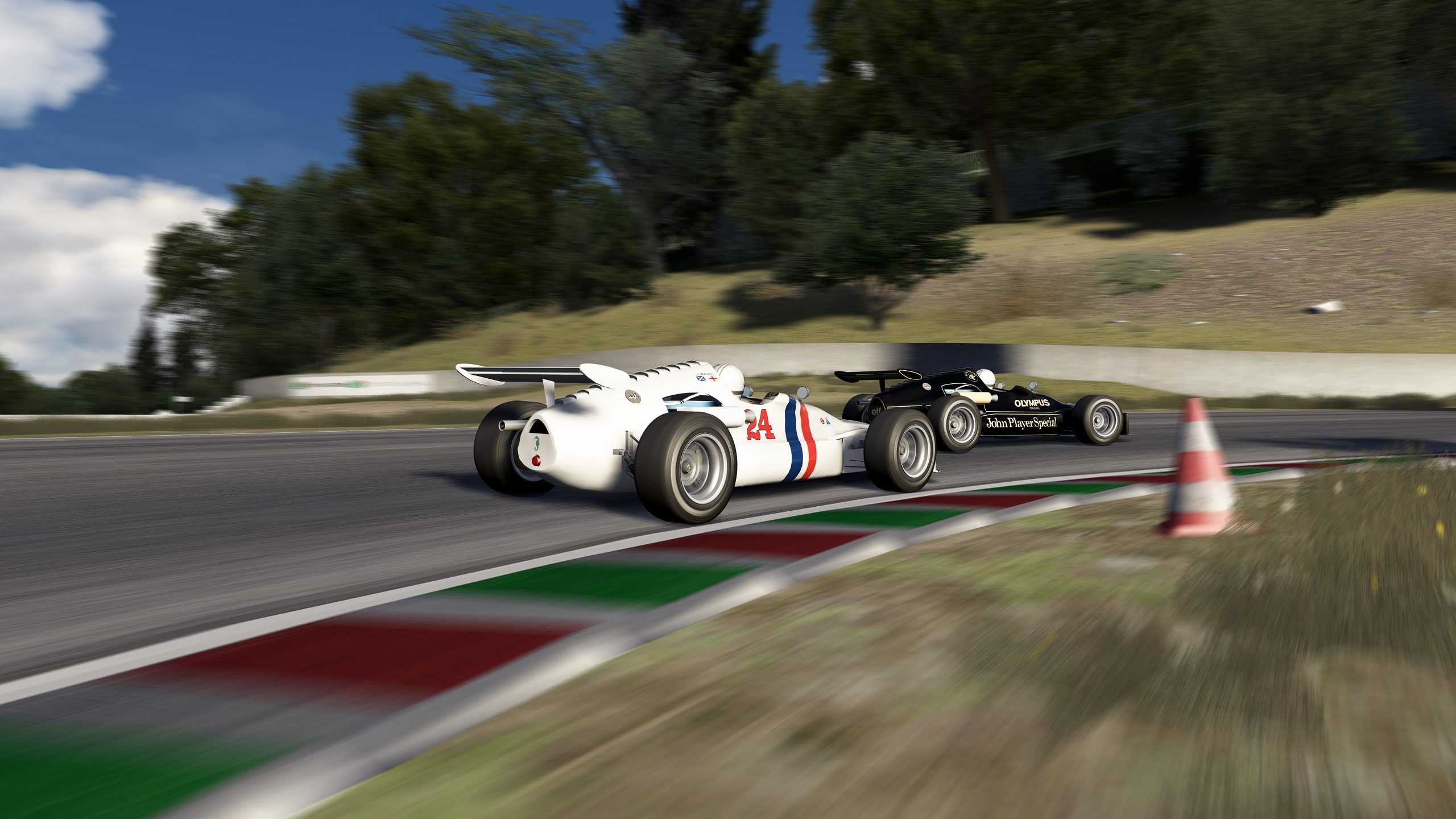
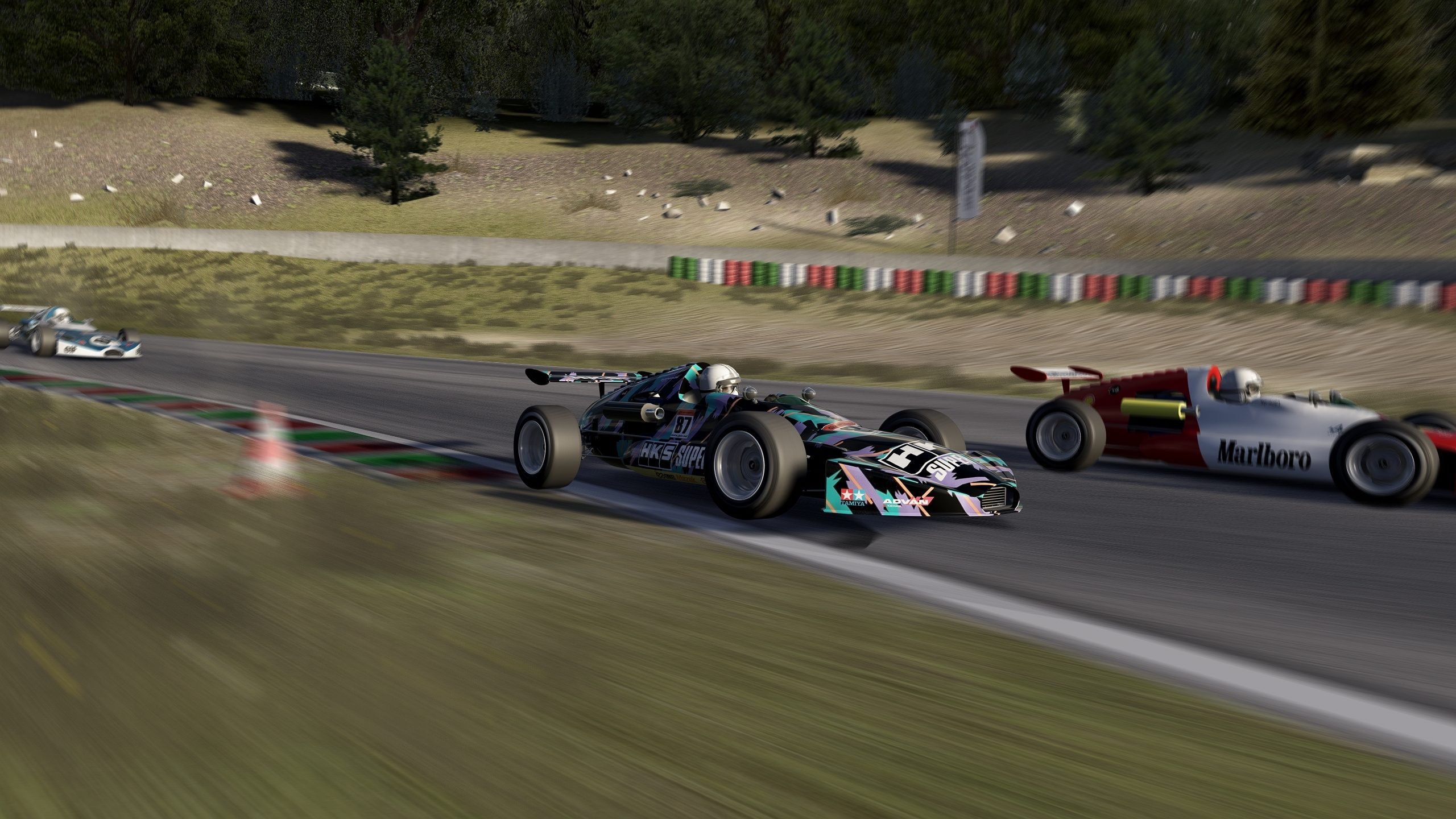
Uh, I thought this pack for "Alpine A364 F3 by Dan Bucsa (Our Racing Simulator Project)". Where we can get "fab_alpine_a364_f3"?

Is this the oneUh, I thought this pack for "Alpine A364 F3 by Dan Bucsa (Our Racing Simulator Project)". Where we can get "fab_alpine_a364_f3"?
 www.gtplanet.net
Oh, thx, missed that one.Is this the one

Assetto Corsa PC Mods General Discussion
Wow!! What a wonderful idea!! People are running too loose lately, with all this discussions and opinions. Let's add more controls! Let's create more silos! The good righteous people, let's permit the entitled only have their way. That's a little rude but listen my reason. - Do you like every...


The car have a little LOD problem, only on the rear wingIs this the one
Assetto Corsa PC Mods General Discussion
Wow!! What a wonderful idea!! People are running too loose lately, with all this discussions and opinions. Let's add more controls! Let's create more silos! The good righteous people, let's permit the entitled only have their way. That's a little rude but listen my reason. - Do you like every...
it does not impact on driving the car, watching replay and so on and so on, mateThe car have a little LOD problem, only on the rear wing

Is sample spread a setting within CM?Sample spread at 10% is the culprit to get rid of the ghosting when TAA enabled? That would be a relief.
Yes, under ExtraFX-->TAAIs sample spread a setting within CM?
Thank you.Yes, under ExtraFX-->TAA