Assetto Corsa PC Mods General DiscussionPC 

  • Thread starter Thread starter daan
  • 156,557 comments
  • 50,654,131 views
shi
Detroit Street Circuit 1982 v1.0
View attachment 1432274
Detroit Street Circuit with 1982 layout.
Conversion from F1 Challenge.

-CSP recommended
-36 pit/start
-AI, cam

Credits & Thanks;
F1 Challenge Track by dmarques
(Converted from Carrera.4's rF version)

Terms Of Use; (F1C)
Enjoy this mod to the fullest, that's all. If you want to convert or use this
as a base to create other cars, you're welcome in doing so as long as the
appropriate credit is given to the respective authors of the files you are
using. You can find all authors in this file

AC converted by @shi (shin956)
logo.png and sections file by @Fanapryde
window light textures and config base from detroit1988 by @rainmaker
Crowds texture by @Kniker97
marshall and some textures by kunos
Test and Feedback by @Apocalypse211

Enjoy.

Looks so much better than the oversatured, overbright 1988 version.

Now it's impossible for me to get back to that track bc your take on the 1982 is perfect lol

Wish the 1988 variant would get the same treatment...
 
Another sweet day, another Content Manager autoupdate with autoupdates disabled.

Smash Old School GIF by Mediatool
It's not exactly an Content Manager update, but a data version update to 211. Not sure what the difference between the two is, but I would imagine less significant changes to the app itself...
MORE INFORMATION HERE: https://www.gtplanet.net/forum/threads/assetto-corsa-pc-mods-general-discussion.307899/post-14418289

Happy to help! :lol:


check for updates & update to non-tested values are both disabled on my install
 
Last edited:


It´s WEC time :)

lets start with the United Autosports Mclaren #95.

#59 will follow the next days

working illuminated numberplate
correct tyres
correct driver names
WEC rear-wing endplates

requiered car:
- mclaren_720s_gt3_evo_endurance or
- mclaren_720s_gt3_evo_sprint by FSR
or the beta of
- mclaren_720s_gt3_evo_endu_2024 by MS6Driver


missing things:
the new position panel. - I will update the skin as soon as suitable position panels are available


preview.jpg


__custom_showroom_1740757615.jpg
__custom_showroom_1740757623.jpg
__custom_showroom_1740757690.jpg
__custom_showroom_1740757647.jpg
Screenshot_mclaren_720s_gt3_evo_endu_2024_ks_brands_hatch_28-1-125-16-50-45.jpg
Screenshot_mclaren_720s_gt3_evo_endu_2024_ks_brands_hatch_28-1-125-16-50-10.jpg
 
It's not exactly an Content Manager update, but a data version update to 211. Not sure what the difference between the two is, but I would imagine less significant changes to the app itself...

Happy to help! :lol:


check for updates & update to non-tested values are both disabled on my install
Its enough to reset any setup you had with car (paint) :P
 
The Adaptive AI kinda have me intrigued, if it's anything like Raceroom or rFactor2 adaptive AI. (doubt it), but as a offline enjoyed, any AI update is a welcome one.


It´s WEC time :)

lets start with the United Autosports Mclaren #95.

#59 will follow the next days

working illuminated numberplate
correct tyres
correct driver names
WEC rear-wing endplates

requiered car:
- mclaren_720s_gt3_evo_endurance or
- mclaren_720s_gt3_evo_sprint by FSR
or the beta of
- mclaren_720s_gt3_evo_endu_2024 by MS6Driver


missing things:
the new position panel. - I will update the skin as soon as suitable position panels are available


View attachment 1432338

View attachment 1432332View attachment 1432333View attachment 1432335View attachment 1432334View attachment 1432337View attachment 1432336
Will your version also have the Sprint variant?
 
It's not exactly an Content Manager update, but a data version update to 211. Not sure what the difference between the two is, but I would imagine less significant changes to the app itself...

Happy to help! :lol:


check for updates & update to non-tested values are both disabled on my install
both options are off here too.
 
Will your version also have the Sprint variant?
the skin itself works, because I used the AO map of the sprint version. Only the config.ini needs to be adjusted. The next update will work perfectly for booth. Maybe I will add the TRR one two.

But I’m also working on an updated version of the FSR cars. I’m not sure if Fernando will add my updates to his cars or I’m releasing my own versions.

I know he's not exactly popular here in the forum, but he's a really nice and courteous person. Working with him goes well.
 
Last edited:

Attachments

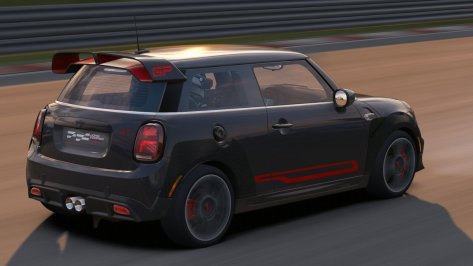
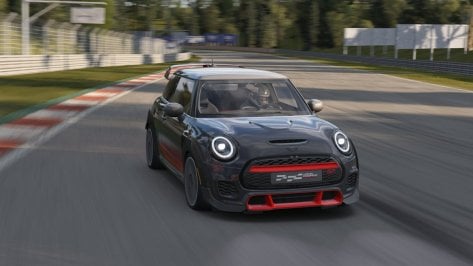
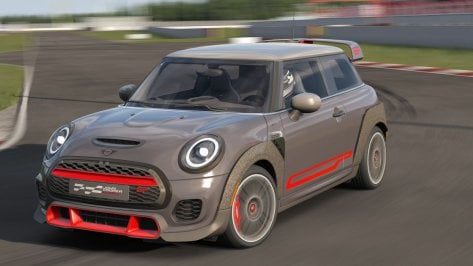
  • Screenshot_mini_jcw_gp_2021_gt_sainte_croix_27-1-125-15-32-52.jpg
    Screenshot_mini_jcw_gp_2021_gt_sainte_croix_27-1-125-15-32-52.jpg
    113.5 KB · Views: 19
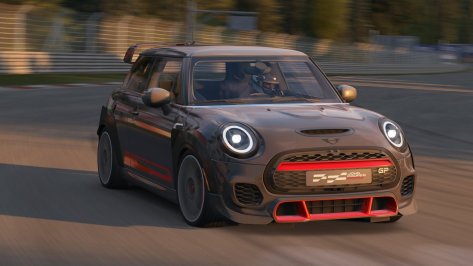
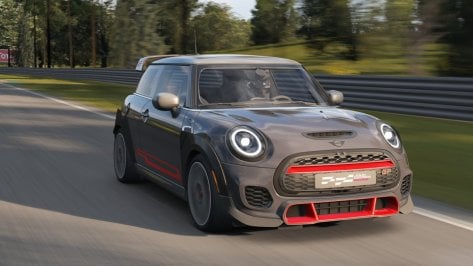
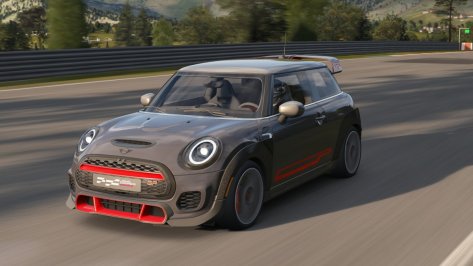
  • Screenshot_mini_jcw_gp_2021_gt_sainte_croix_27-1-125-15-29-38.jpg
    Screenshot_mini_jcw_gp_2021_gt_sainte_croix_27-1-125-15-29-38.jpg
    116.9 KB · Views: 21
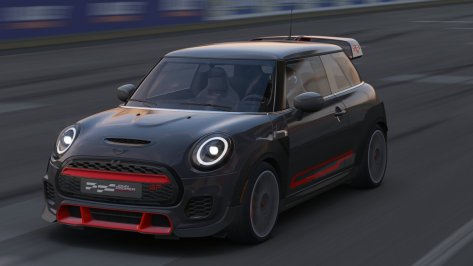
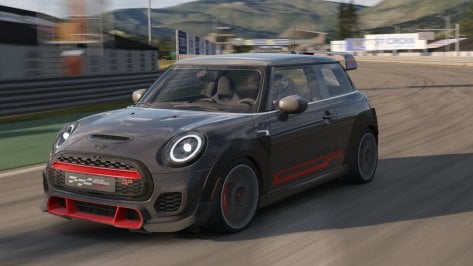
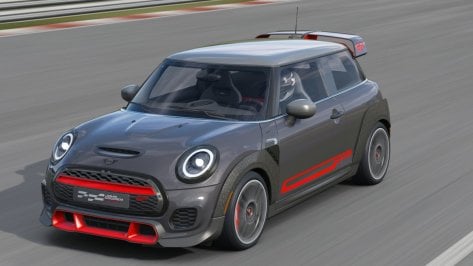
  • Screenshot_mini_jcw_gp_2021_gt_sainte_croix_27-1-125-15-25-30.jpg
    Screenshot_mini_jcw_gp_2021_gt_sainte_croix_27-1-125-15-25-30.jpg
    105.2 KB · Views: 24
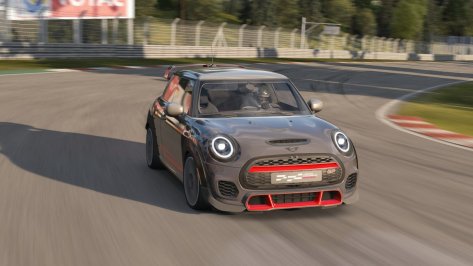
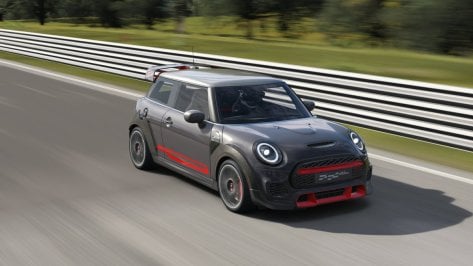
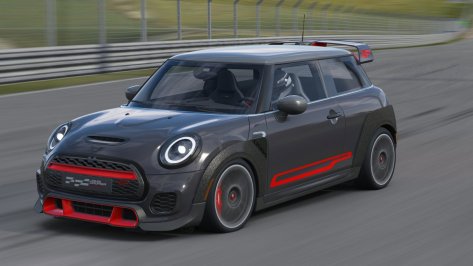
  • Screenshot_mini_jcw_gp_2021_gt_sainte_croix_27-1-125-15-27-24.jpg
    Screenshot_mini_jcw_gp_2021_gt_sainte_croix_27-1-125-15-27-24.jpg
    105.7 KB · Views: 21
hi all , I thought I'd try the "NoHesi" for a first time... joined a public EU server running the map "nohesi_415" ...

I got only 35 fps on average, with a very high GPU and CPU usage, so UNPLAYABLE
Also offline this map with just 1 car on it gives me very high CPU usage , where on other maps with many cars it's all good w steady FPS and cpu and gpu only around 50%
(my specs: 32gb ddr4 3600, Ryzen-9 5950x, 4080s 16GB, Windows 10 Pro, Quest3 via Oculus Link.)

Anyone an idea what could be wrong with this "nohesi_415" map (or what trickery to do to use it normally in VR) ?
 
Don't know if it's my PPF or not but the rear light cluster refractions seem broken, and the 'Union Jack' design of the cluster isn't visible until the lights are on.
Should look more like this with lights off:
1740785271790.png


Backup the config and try this one, it looks better to me?
It blocks the broken refraction and makes the UJ design faintly visible when lights are off.
 

Attachments

Last edited:
I tried the FFB script, nice detail here and there but overall the wheel feels wayyyy lighter and wobbly on my DD.
Maybe it mainly for non-dd?
I noticed the same when I first tried it. Are you running your base at 100%?

I have the 20nm VRS DD, my usual setup was 50% on the base and around 40% gain in game. That gave me a good balance between FFB and bump/kerb effects. If I increased the base and even with lowering the game gain the bump/kerb effects would become more jarring, like more aggressive than they should be relative to the ffb, even though I had them at 0% in the game settings.

With the FFB script on my usual settings it felt too light as you observed as well. I noticed with the script the FFB bar was more sensitive and I was clipping. I bumped my base to 100% and gain to 30% in game. This now gave me a good FFB feel and the bump/kerb effects are still balanced. If I turn off script with these settings - I again see too aggressive effects.

I havent done enough testing yet, but with the FFB script I do feel a bit more detail and the cars feel like they have more weight to them. Like less of that AC floaty feeling and when turning it doesnt feel as much like I am pulling on a band if that makes any sense.

Anyone else on a DD base try out the new script and want to chime in? Seems the script works on both the standard physics and if you check extended physics too.
 
Last edited:
I noticed the same when I first tried it. Are you running your base at 100%?

I have the 20nm VRS DD, my usual setup was 50% on the base and around 40% gain in game. That gave me a good balance between FFB and bump/kerb effects. If I increased the base and even with lowering the game gain the bump/kerb effects would become more jarring, like more aggressive than they should be relative to the ffb, even though I had them at 0% in the game settings.

With the FFB script on my usual settings it felt too light as you observed as well. I noticed with the script the FFB bar was more sensitive and I was clipping. I bumped my base to 100% and gain to 30% in game. This now gave me a good FFB feel and the bump/kerb effects are still balanced. If I turn off script with these settings - I again see too aggressive effects.

I havent done enough testing yet, but with the FFB script I do feel a bit more detail and the cars feel like they have more weight to them. Like less of that AC floaty feeling and when turning it doesnt feel as much like I am pulling on a band if that makes any sense.

Anyone else on a DD base try out the new script and want to chime in? Seems the script works on both the standard physics and if you check extended physics too.
Base at 100% and gain 100% too
I only have a Moza R5 with 5.5nm
I might try to change the "alternative ffb seetings" and see if its better

1740794997487.png
 
Looks so much better than the oversatured, overbright 1988 version.

Now it's impossible for me to get back to that track bc your take on the 1982 is perfect lol

Wish the 1988 variant would get the same treatment...
Thank you very much!
The F1C Track mods include variations for each year from 1982 to 1988 for Detroit.
With my motivation, I can convert them.
 
Here's a question for those with better memories than me.

I'm trying to remember the name of a track, which is a fictional track imported from some earlier sim. It's kind of has a winding Scottish countryside feel, but the defining thing I remember is where you come down a long downhill sweeping right-hander past a pub where there's inappropriate Irish folk music blaring out... just before you cross a bridge.
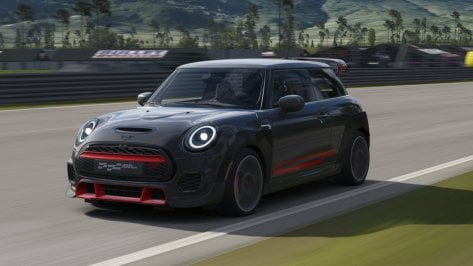
Big thanks to anyone who can identify this for me!
 
Here's a question for those with better memories than me.

I'm trying to remember the name of a track, which is a fictional track imported from some earlier sim. It's kind of has a winding Scottish countryside feel, but the defining thing I remember is where you come down a long downhill sweeping right-hander past a pub where there's inappropriate Irish folk music blaring out... just before you cross a bridge.
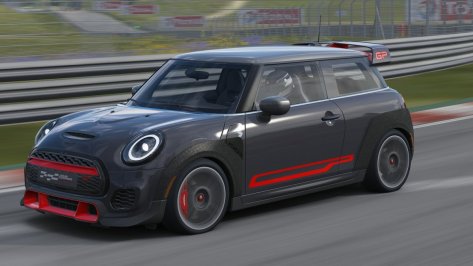
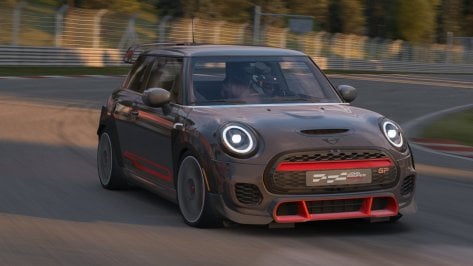
Big thanks to anyone who can identify this for me!
Bannochbrae

 
I think it might be the alternate version, Misty Loch

Hmm. That sounds promising. And it's also suspiciously missing from my track library now, which is probably why I haven't been able to find it for months! :dunce:

Thanks. I'll reinstall it and see if the puzzle is solved.

EDIT: Bingo! You and samdale12 hit the jackpot. Thanks to you both for that. Much appreciated. (And thanks to Frank25 too for another good guess.)

:cheers:
 
Last edited:
Sharing a mod? Host it on GTPlanet Downloads. Free, public hosting for files up to 10GB in size.
Back