I did it with the 996 (and many other cars), you have to add these lines to the ext_config (or create an ext_config on the skin you want to change rims):
in this case my rims files are called "speedline_rim_F" and "speedline_rim_R" because front and rear rims aren't the same. You have to create a kn5 file with only a rim at 0;0;0 axis position, you have to set radius, width and offset.
if you want I can send you also rim files to test
[INCLUDE: common/custom_rims.ini]
[ReplaceRims]
File = rss_gtn_darche_96_a.kn5 ; name of KN5
OriginalRims = RIM_LF?, RIM_RF?, Cylinder001?, Object958? ; list of original rims to hide
Model = speedline_rim_F.kn5, 0.24, 0.310 ; KN5 with a new rim, its radius and width
Offset = 0.034 ; offset for front and rear wheels (negative value move rim deeper inside)
FrontOnly=1
[ReplaceRims]
File = rss_gtn_darche_96_a.kn5 ; name of KN5
OriginalRims = RIM_RR?, RIM_LR?, Object957?, Cylinder013? ; list of original rims to hide
Model = speedline_rim_R.kn5, 0.24, 0.310 ; KN5 with a new rim, its radius and width
Offset = -0.004 ; offset for front and rear wheels (negative value move rim deeper inside)
RearOnly=1
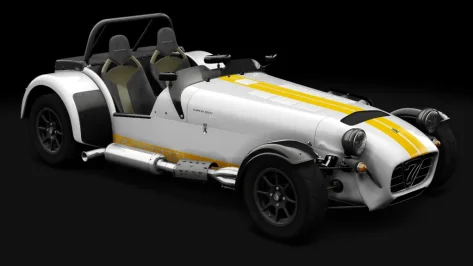
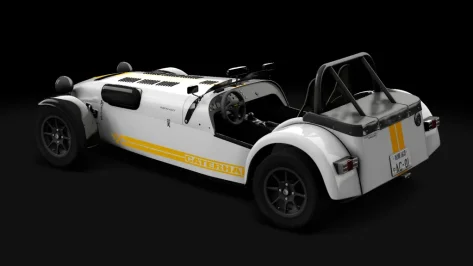
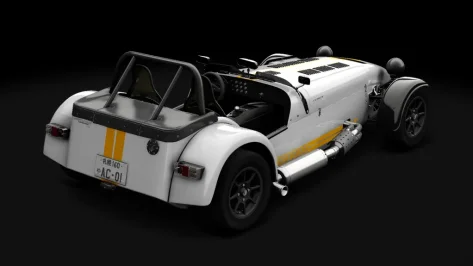
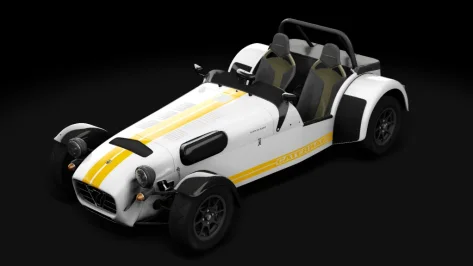
unfortunately I haven't found how to see new rims on previews, only ingame (if someone have the tip ...), previews below are stock previews modified with new rims from a screenshot ingame ...
View attachment 1511584View attachment 1511585










 ) generating previews for the new VRC Beamer and Volvo (CSP versions only)?


