yessssssssssssssssomebody mentioned NASCAR...
View attachment 1107176
From Ignition? Or scratch? Looks epic either way.
Last edited:
yessssssssssssssssomebody mentioned NASCAR...
View attachment 1107176


The link on the listing is working (Real Tab line 359)I couldn’t test it with Pyyer‘s extension since I couldn’t find a working link for it.
It should work when combining both ext_configs


Tobeka's road surface was originally divided horizontally into four sections.Its going better then I expected... for whatever reason my brain was working properly when i UV mapped the groove so its fully working now using the groove texture from Vancouver. I added a couple of higher quality trees for about 5 of the closer trees to test some detail.
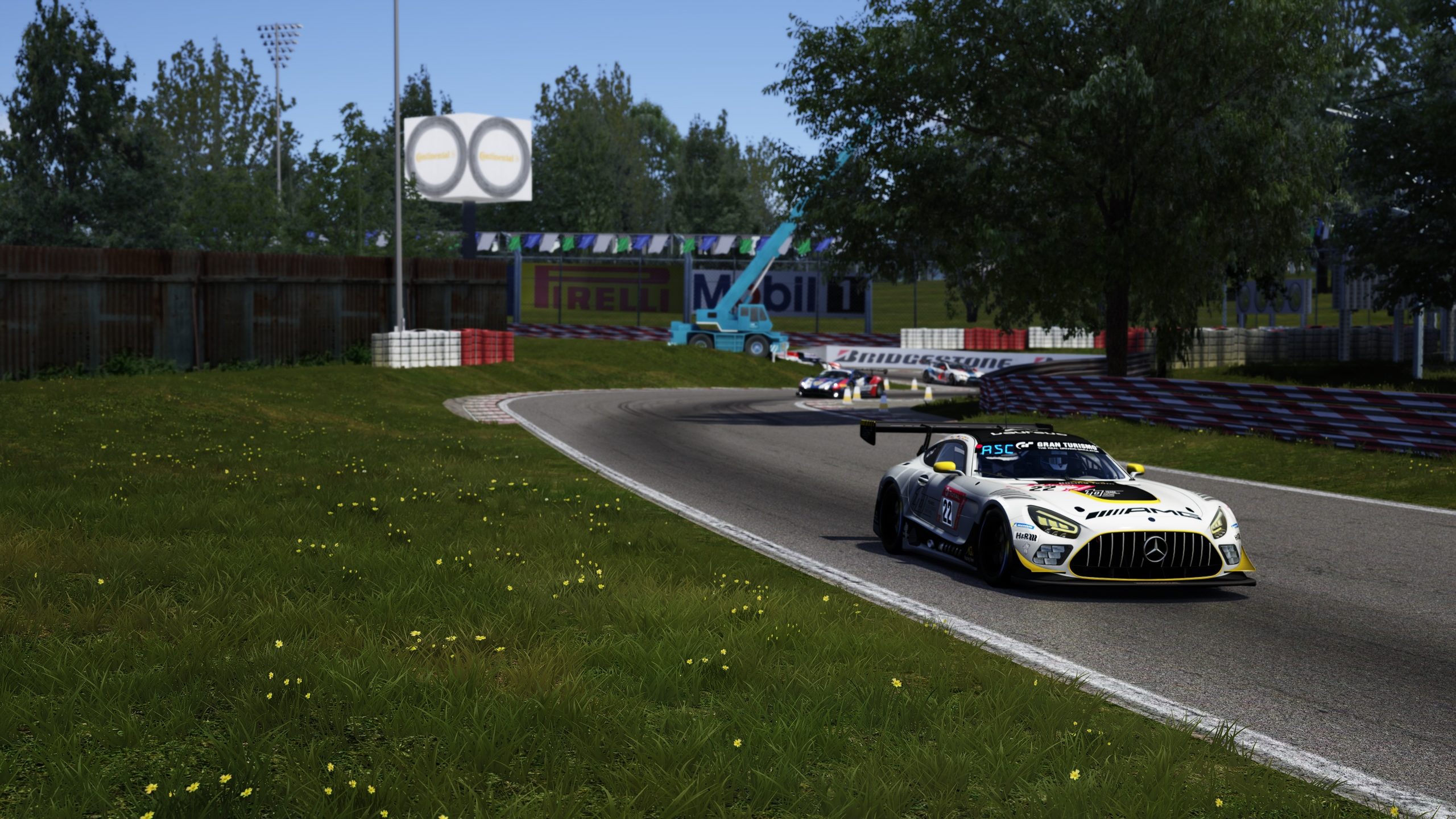
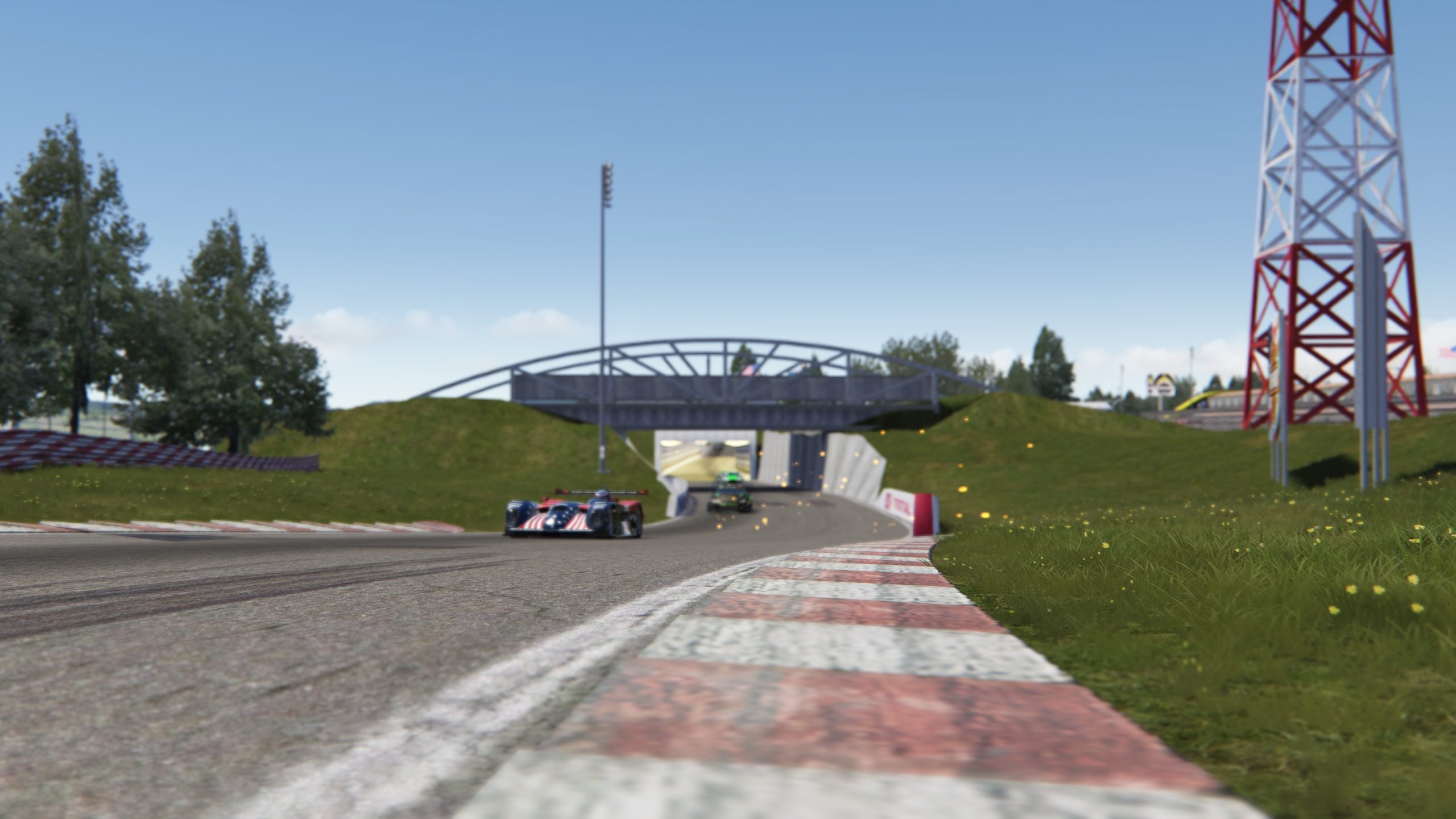
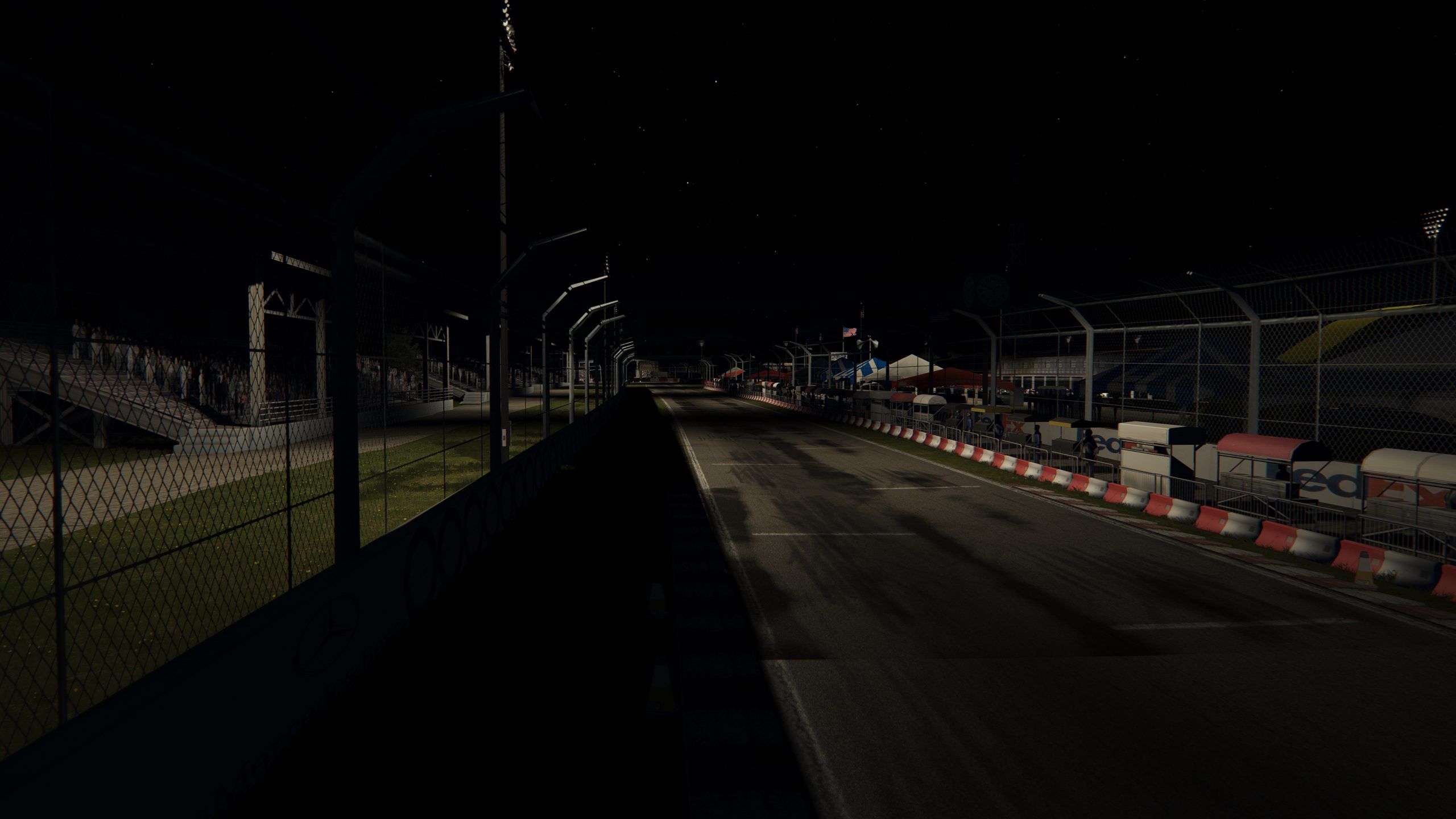
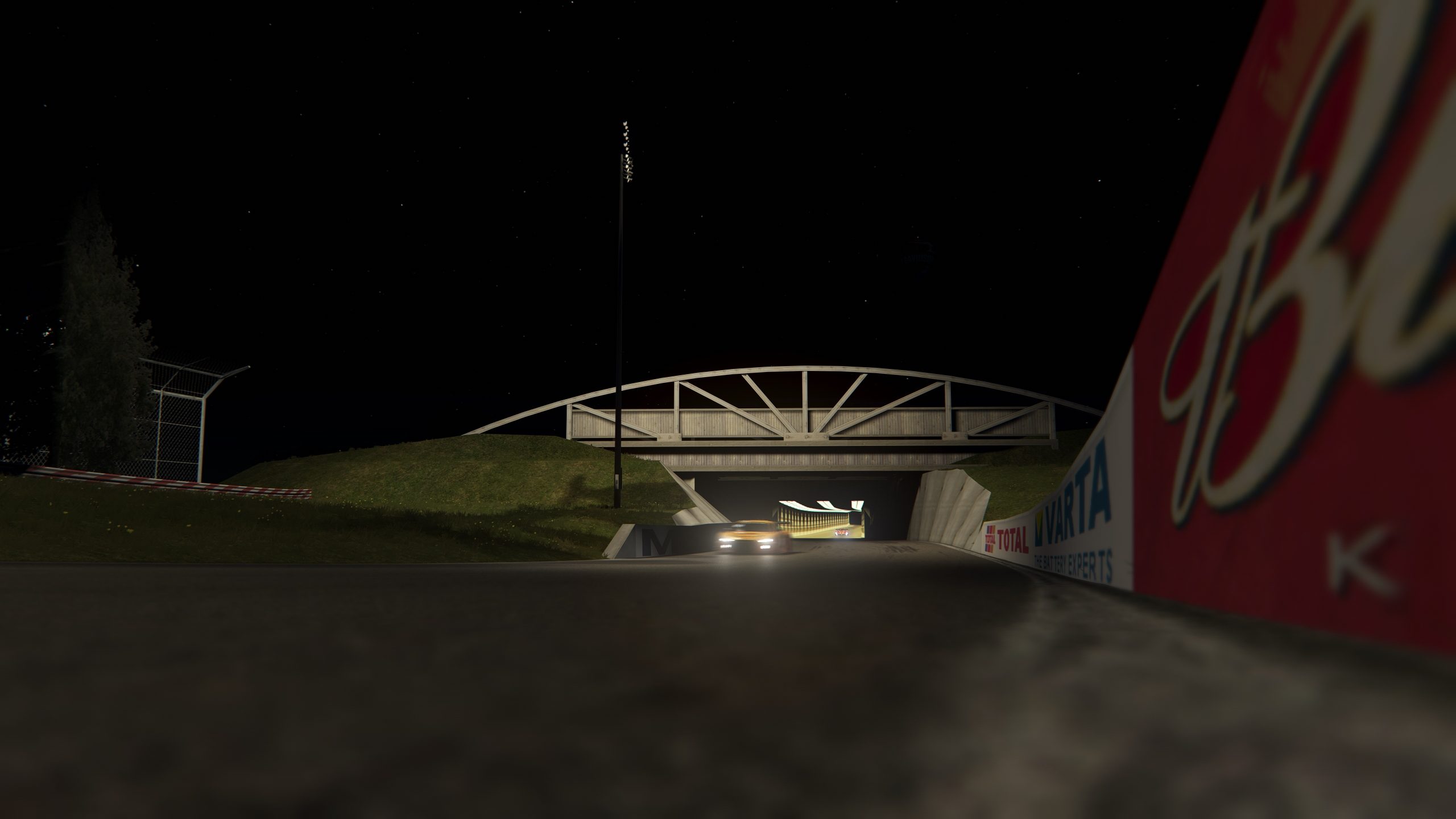
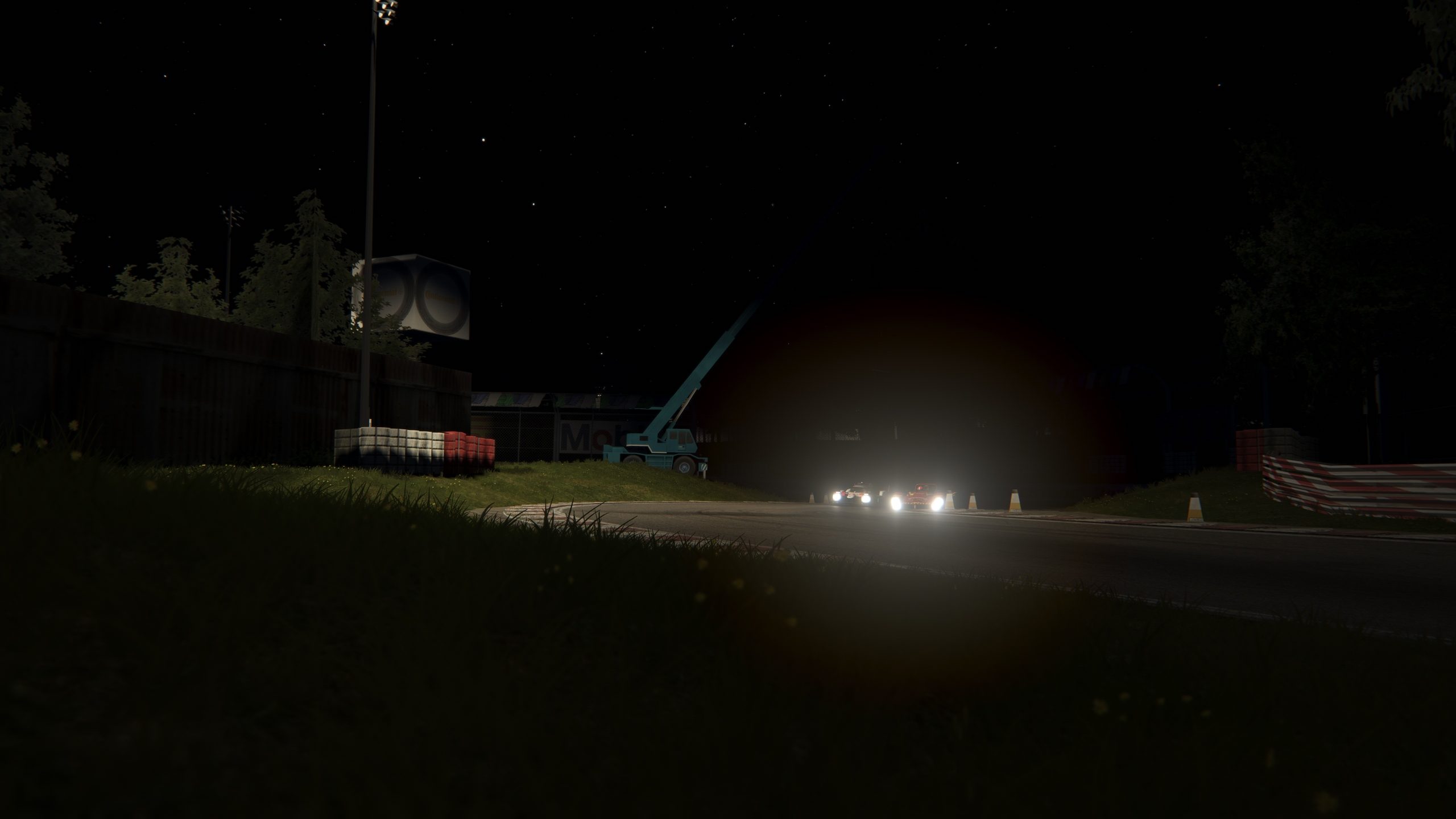
A question for @RMi_wood or @shi , is there much value in increasing the subdivision of the road mesh if im not planning on adding noise. I have it split into a visual and physical mesh and I subdivided the physical mesh in the most basic way possible but is it worth doing this or does it add to the physics calculations.

Woww looks great yeahhhsomebody mentioned NASCAR...
View attachment 1107176


this is from the rF2 version by 'senormen'


Thank you. Both add-ons added on the listing (with the AI update too)I hoped for a Lights config for Miami Bayside and here it is.
As you can read in the comments you can integrate my RainFx config, it's on RD too, and the tracks looks very nice.


NASCAR Heat convert I suppose. Not Ignition.yesssssssssssssss
From Ignition? Or scratch? Looks epic either way.




Hi, paid mod ? if not do you have a link ? thxAre you sure? I have one that doesn't turn, don't have doors, no dashboard, only have two wheels, only allow to engage 3rd gear,
and the smoke in the cockpit is so much that I can't see the road.
This?
View attachment 1107213
View attachment 1107214
Not bad at all.


I'm not an expert on the track but I got Barber and I'm really happy with it. VRC expected quality and feels great to drive.Hi guys! What do you think of VRC pay mod tracks?
Texas, Willow and Barber. Best version available of these circuits? Thanks.
By far the best versions, but as pay mods, they have fictional advertising etc, so search on here and RD for skins.Hi guys! What do you think of VRC pay mod tracks?
Texas, Willow and Barber. Best version available of these circuits? Thanks.


1 - if the shader has a detailUVMultiplier parameter, try setting it to 0 or 1Hey All. I had two questions
1. I've calculated the AO for an object via CM but when its applied it comes out tiled, even though the dimensions are the same. What am I doing wrong?
2. Where in the tyres.ini (if that's where it is) can I make the tyre size wider to match the model? I can see diameter but not width.
Thanks!
1. it doesnt, nothing looks weird with the mapping either1 - if the shader has a detailUVMultiplier parameter, try setting it to 0 or 1
2 - tyres.ini - WIDTH=

I don't know if I understood you correctly.1. it doesnt, nothing looks weird with the mapping either
2. sorry didnt explain myself correct, is there a way to move the width, itself?
like below for example, the width itself is ok but the placement is off, does it even matter?

Yep, they're the best. I remember a few people having issues with the AI at Barber with certain cars, but I think there are replacement AI files out there somewhere (I remember replacing it on my version).Thanks, I know for the real advertising. My question was related to graphics quality, AI, etc ...
I have to "complete" the USA racing circuits.

Just a reminder! When using an account, there are no such problems.@__EASY__ download is OK, I disabled uBlock and then the Captcha window appeared. Never had to in Sharemods though...



 www.racedepartment.com

Did they say when they will release the change?Urd m4 was supposed to get an update to the 3d model to fix the inaccurate shape, when that drops every skin made would need to be redone

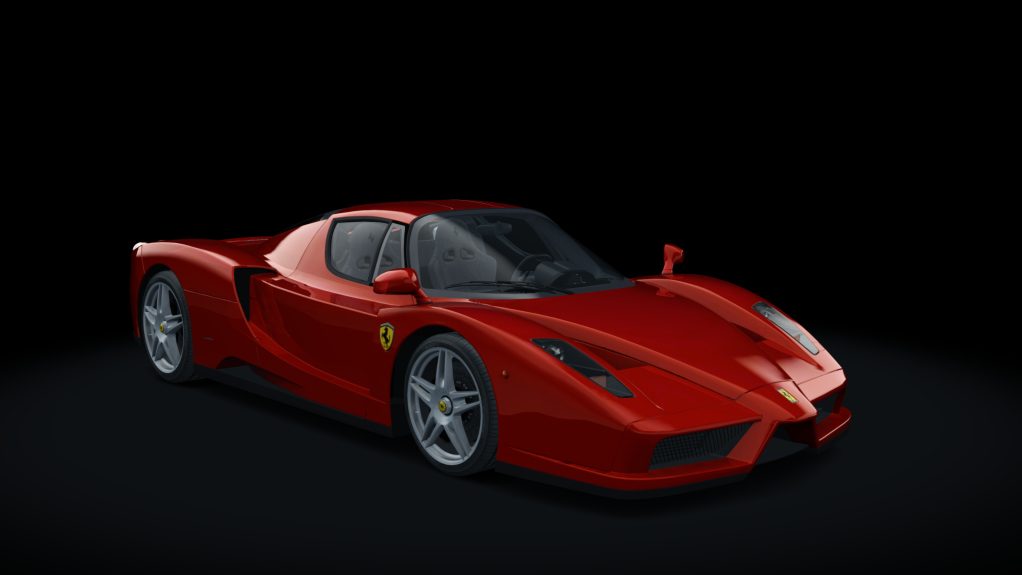
i love your work for this car,can u do the same for the mc12 and the mc12 versione corse?ACTK Ferrari Enzo v1.1
Assettodrive / A. Showmebest / ACTK
Fix colliders.ini
Fix collider.kn5
Fix tyres.ini
Fix F6 cameras
Add LOD
Add wipers
Add AO skins
http://www.assetto-fr.tk/AC-Forum/viewtopic.php?f=29&t=1416


Very good. Maybe too good. It's like 5 sec/lap quicker than the non-X at Spa. But still very well balanced.Has anybody tried the 720 GT3X? Is it any good?


You are lucky because Santa Claus is in Italy tuning his vehicle at Pininfarina.😋Hi, paid mod ? if not do you have a link ? thx