- 1,362
I haven't investigated this extensively yet--maybe someone knows exactly what to do.
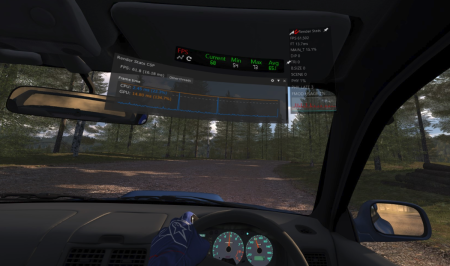
I'm recently having an issue where tracks look a little dark when first loaded. To remedy this, I go to the first page of settings and click on the "default settings" button, and in a couple of seconds, everything brightens up. I save the settings, but the track is darker again when I reload it. Is there a setting or checkbox somewhere, either in CSP settings or "in-game" that I can select so I don't have to do this every time? Maybe something's been added that's causing this issue.
Using CSP 0.1.78.
I'm recently having an issue where tracks look a little dark when first loaded. To remedy this, I go to the first page of settings and click on the "default settings" button, and in a couple of seconds, everything brightens up. I save the settings, but the track is darker again when I reload it. Is there a setting or checkbox somewhere, either in CSP settings or "in-game" that I can select so I don't have to do this every time? Maybe something's been added that's causing this issue.
Using CSP 0.1.78.


 )
)



 )
)